
Blog
RG35XXSP Battery Life: Tips For Extending Playtime

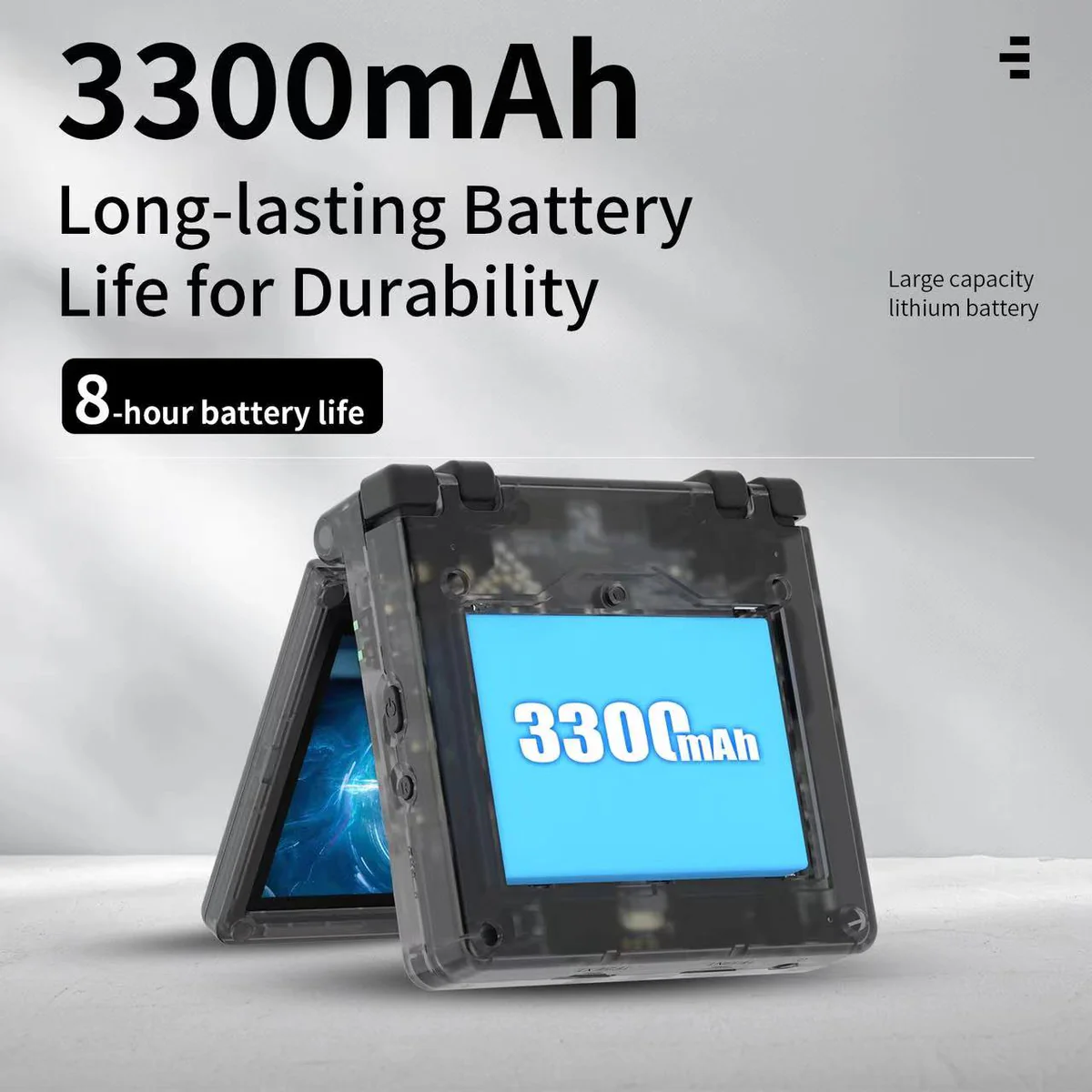
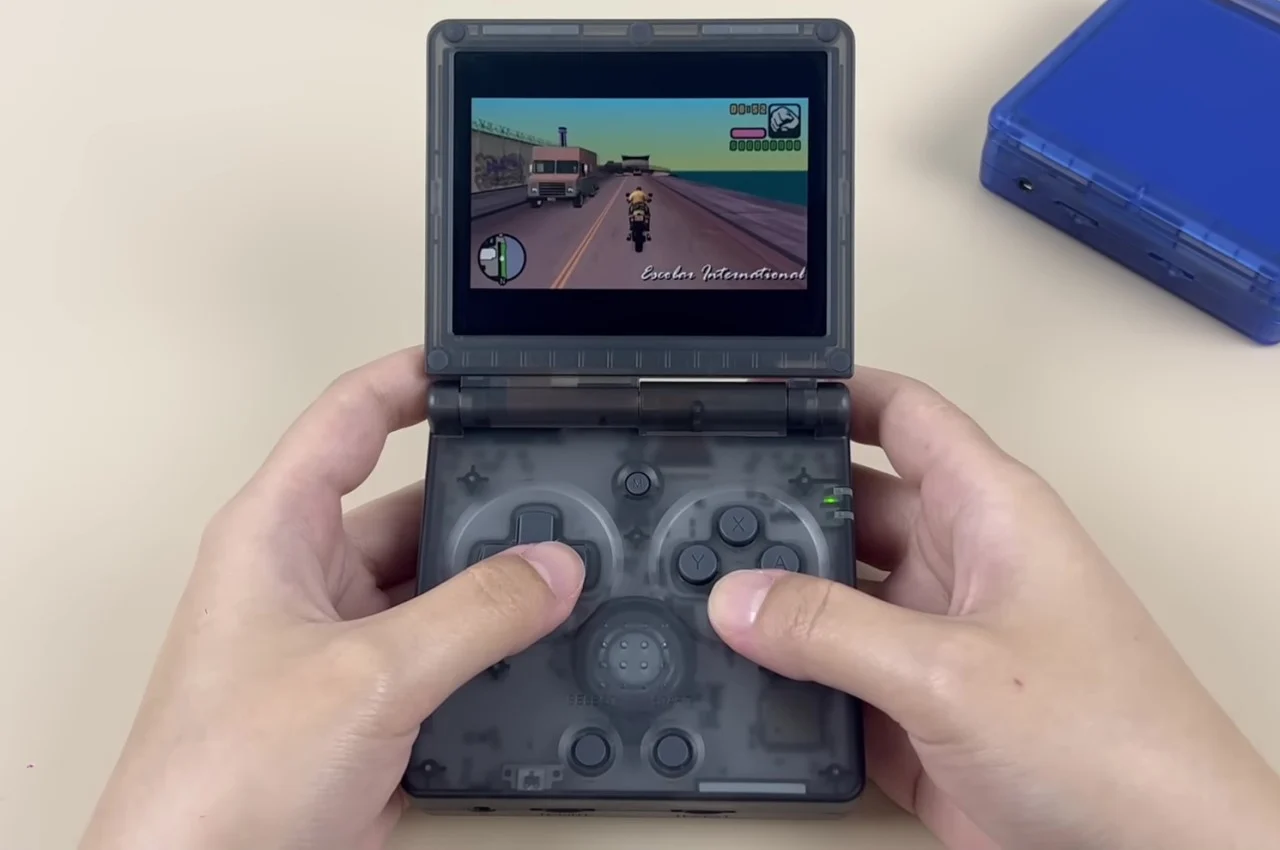
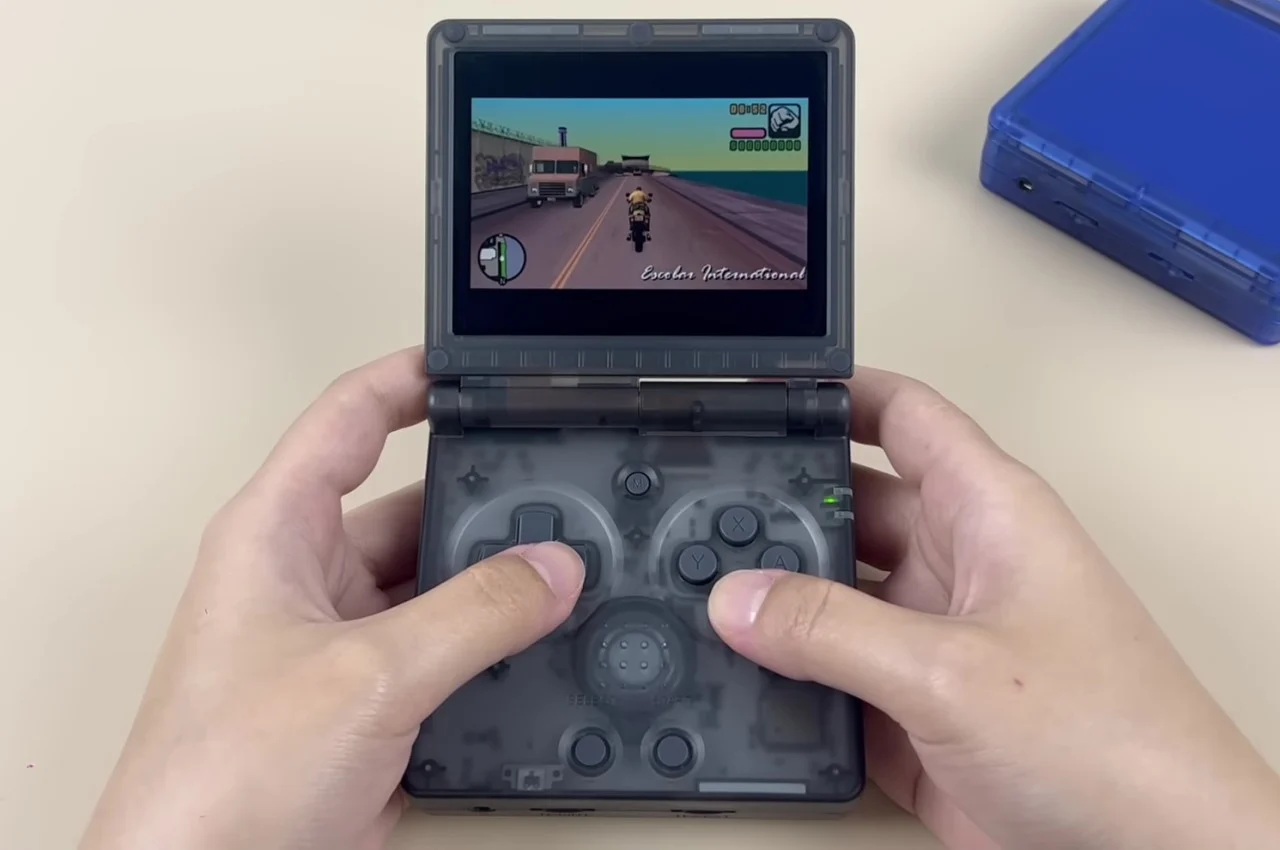
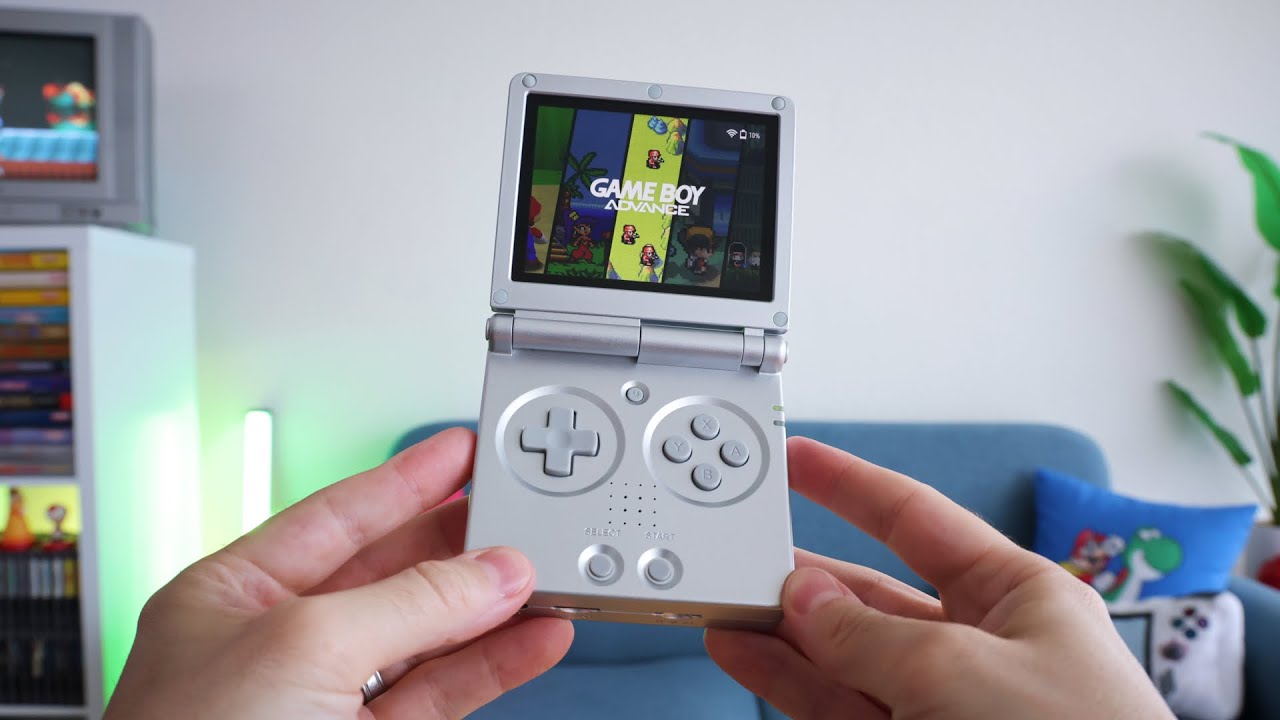
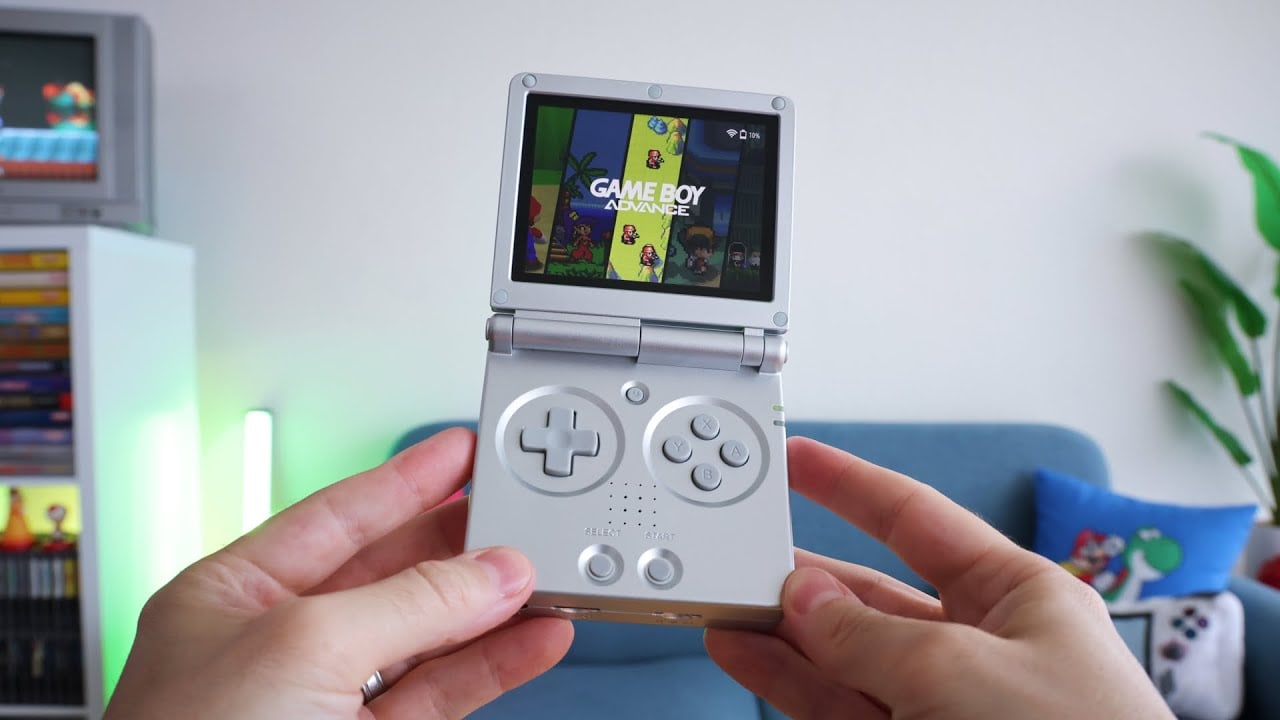
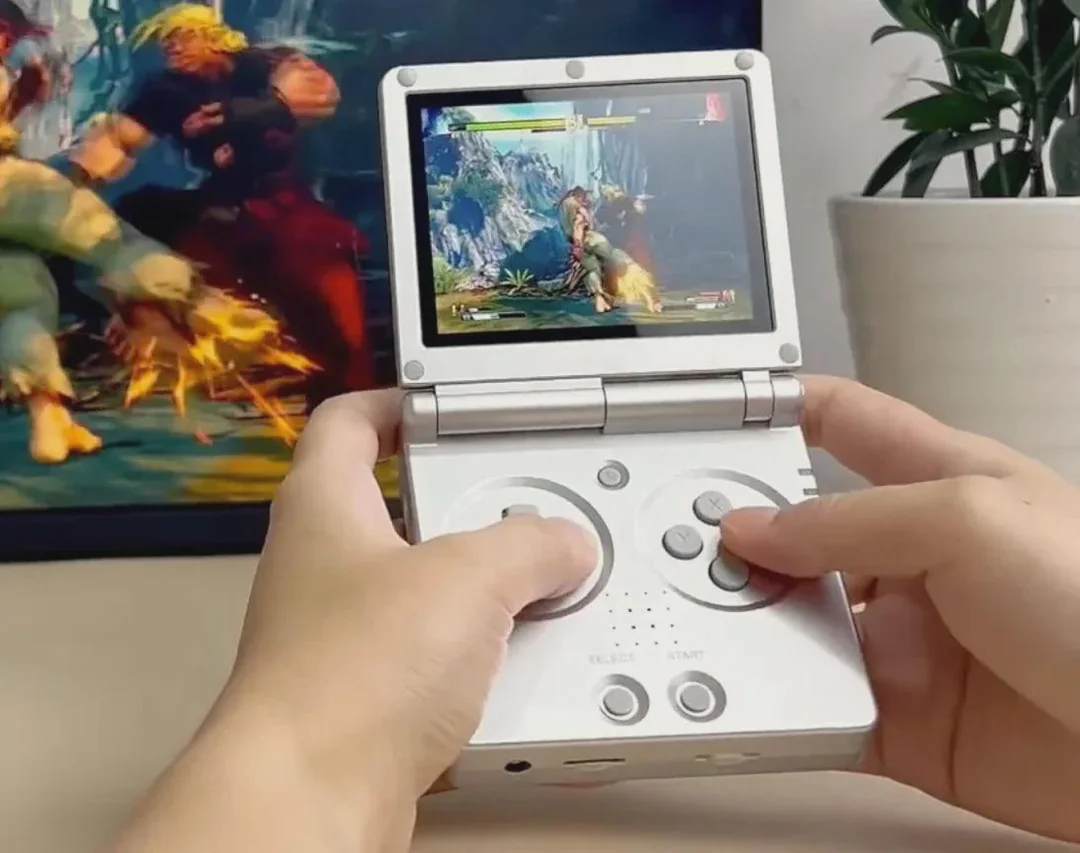
The RG35XXSP is a versatile and popular handheld gaming console, known for its ability to emulate a wide range of retro games. However, like all portable devices, it relies on battery power, and maximizing battery life can significantly enhance your gaming experience. In this article, we’ll explore various tips and tricks to extend the playtime of your RG35XXSP, ensuring you can enjoy your favorite games for longer periods.
Understanding the RG35XXSP Battery
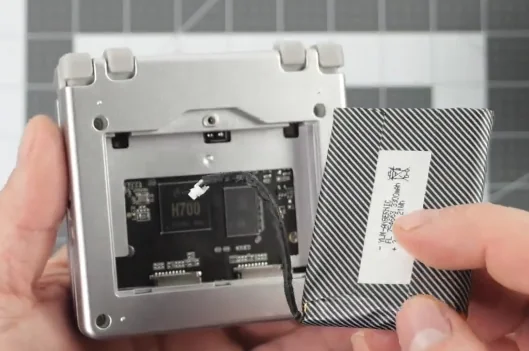
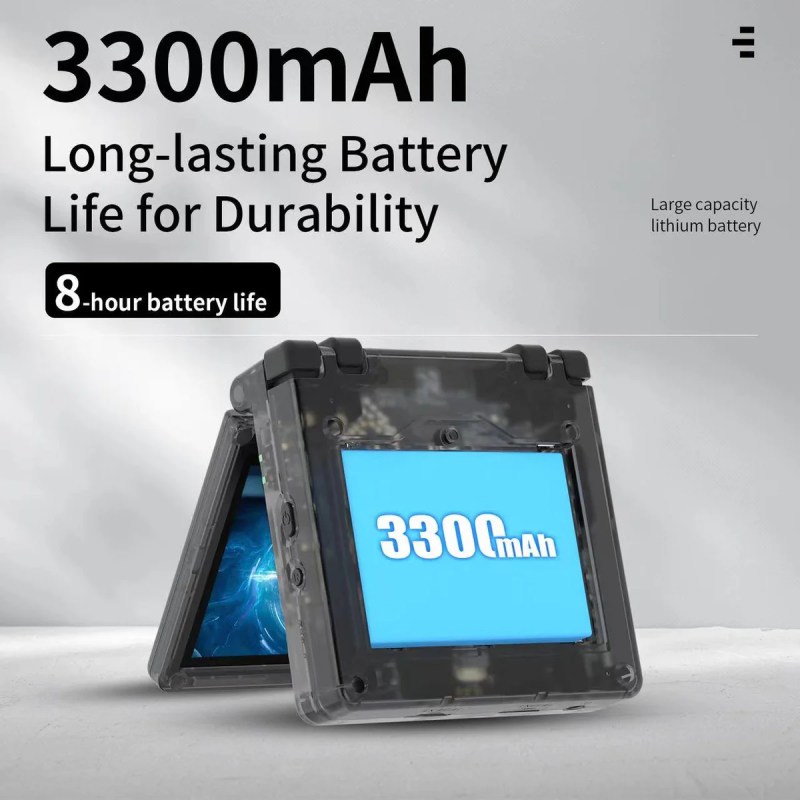
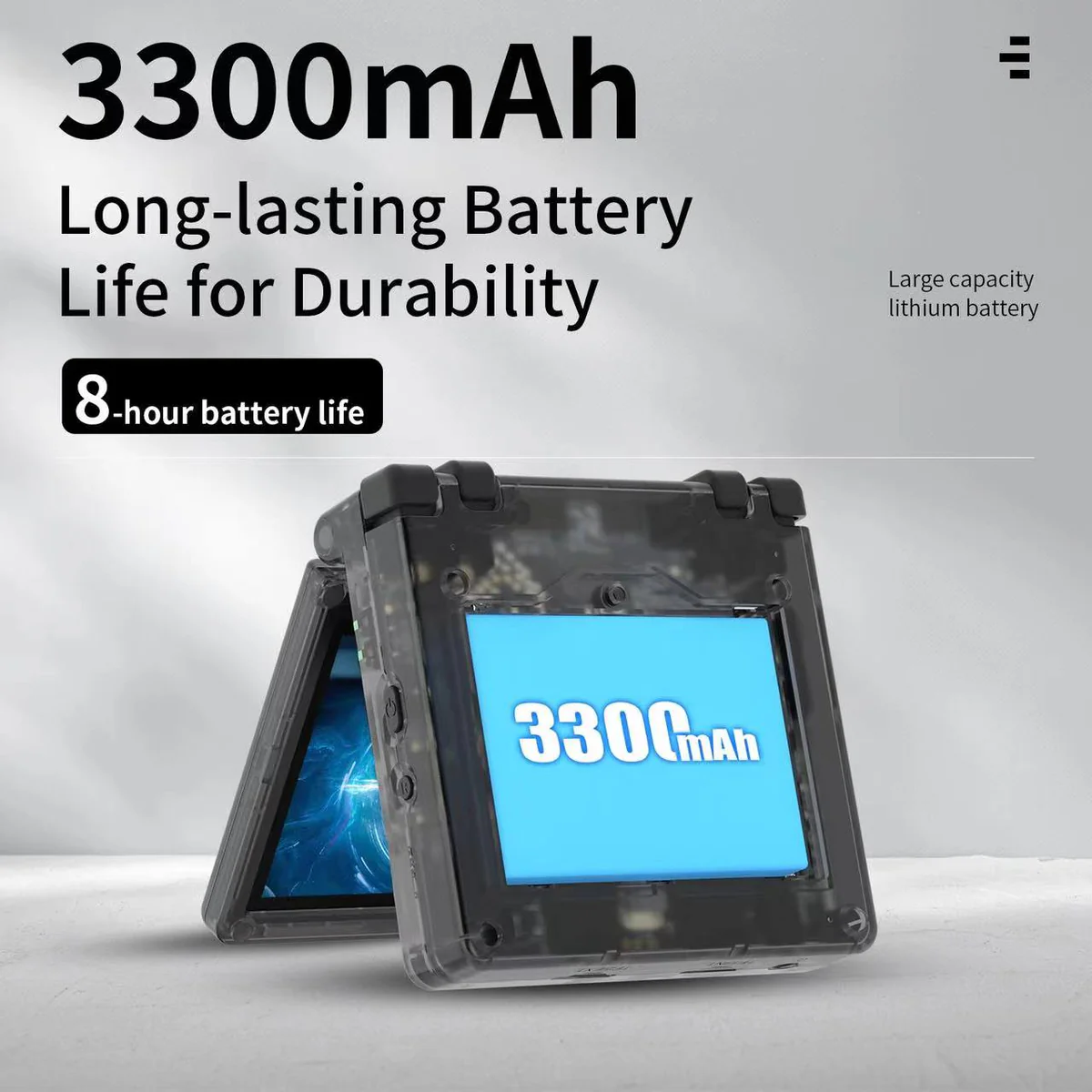
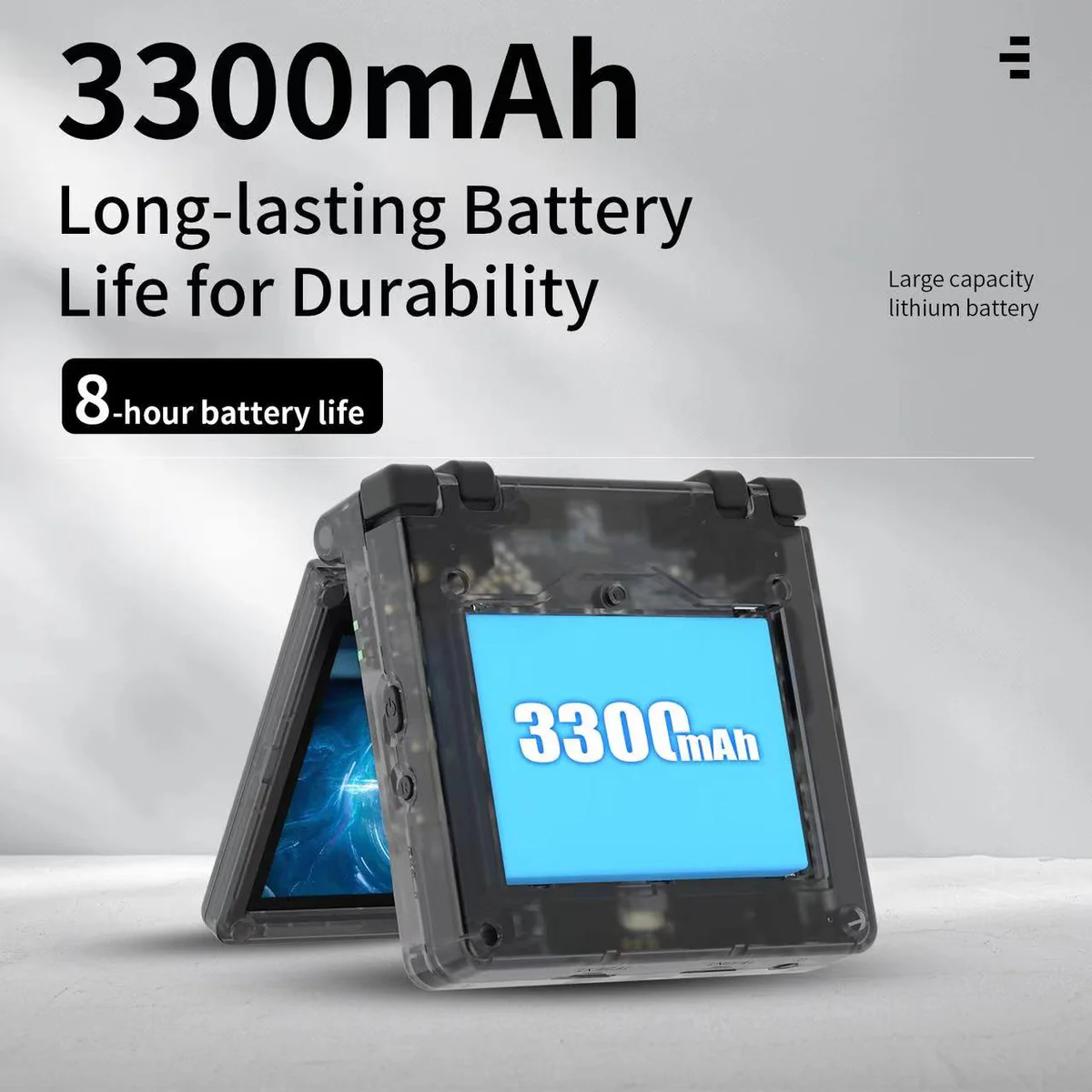
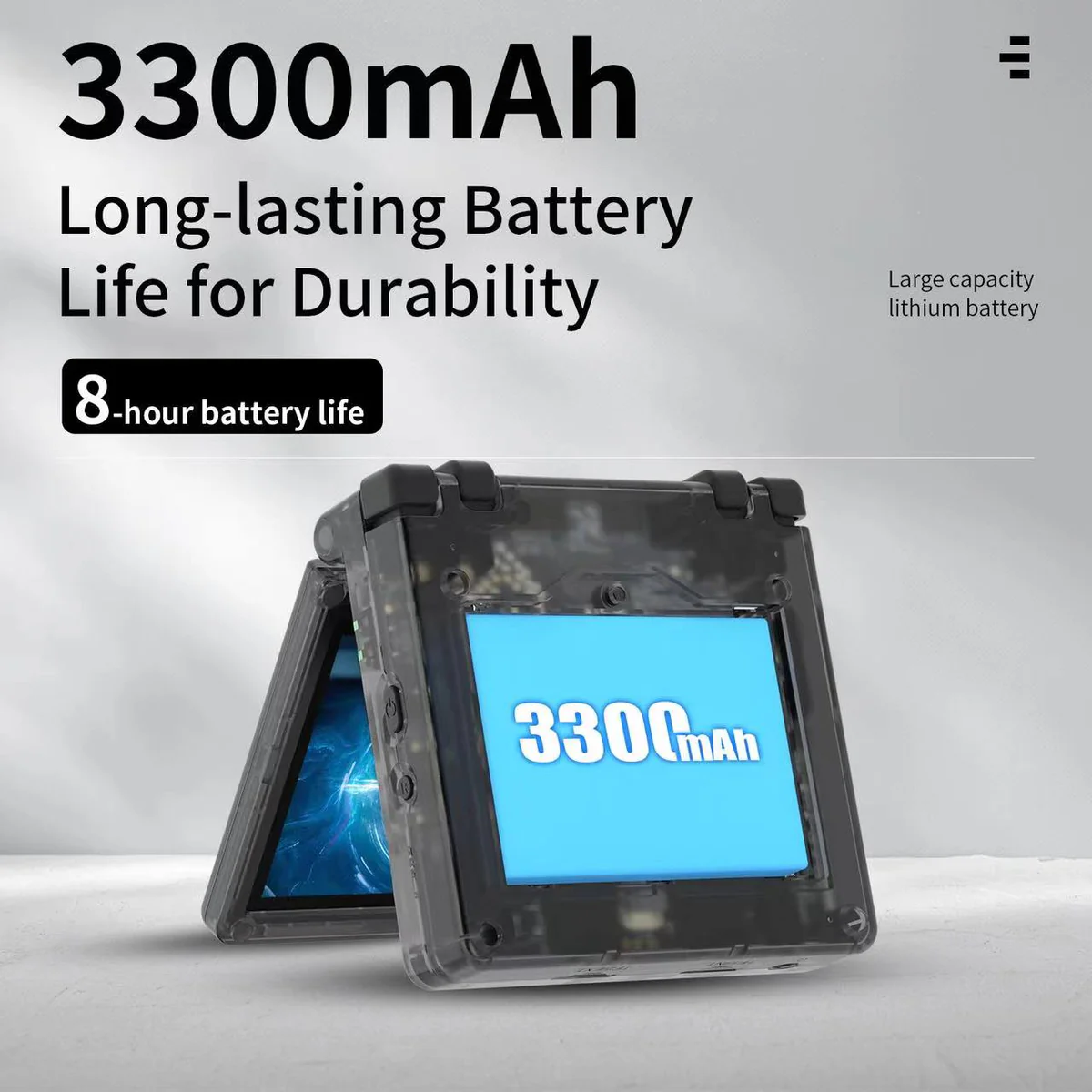
Before diving into the tips, it’s essential to understand the battery specifications of the RG35XXSP. The console typically comes with a lithium-ion battery, which is known for its high energy density and long lifespan. However, the actual battery life can vary based on usage patterns, settings, and the games being played.
Tips for Extending RG35XXSP Battery Life
1. Adjust Screen Brightness
The screen is one of the most significant power consumers in any handheld device. Reducing the screen brightness can lead to substantial battery savings.
- How to Adjust: Go to the settings menu of your RG35XXSP and lower the screen brightness. Find a balance that’s comfortable for your eyes but not too bright.
- Auto-Brightness: If your device supports auto-brightness, enable it to adjust the screen brightness based on ambient light conditions automatically.
2. Manage Volume Levels
High volume levels can drain the battery faster. Adjusting the volume to a lower level can help conserve battery life.
- How to Adjust: Use the volume buttons on your RG35XXSP to lower the sound. Alternatively, use headphones, which typically consume less power than the built-in speakers.
- Mute When Possible: If you’re playing a game that doesn’t require sound, consider muting the device.
3. Close Unnecessary Applications
Running multiple applications or games in the background can drain the battery. Ensure only the necessary apps are open.
- How to Manage Apps: Access the multitasking or app management menu and close any apps that are not in use.
4. Optimize Power Settings
Many handheld devices, including the RG35XXSP, come with power-saving modes that can extend battery life.
- Enable Power-Saving Mode: Activate the power-saving mode from the settings menu. This mode typically reduces performance slightly but significantly increases battery life.
- Custom Power Settings: Some devices allow for custom power settings where you can adjust specific parameters to optimize battery usage.
Also Read- xploring The Homebrew Community For RG35XXSP
5. Regularly Update Firmware
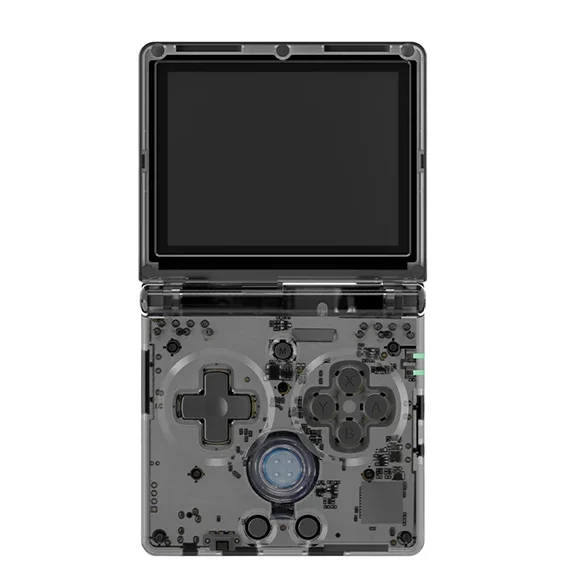
Firmware updates can include optimizations that improve battery efficiency.
- How to Update: Check for firmware updates regularly and install them. Manufacturers often release updates that enhance performance and battery life.
6. Use Efficient Emulators
Different emulators have varying levels of efficiency. Using more efficient emulators can reduce battery consumption.
- Choose Efficient Emulators: Research and choose emulators that are known for being energy-efficient. Some emulators are optimized for specific devices and can run games with lower power consumption.
7. Limit Wireless Connectivity
Wireless connectivity features like Wi-Fi and Bluetooth can drain the battery quickly. Turn off these features when they are not needed.
- Turn Off Wi-Fi and Bluetooth: Disable Wi-Fi and Bluetooth from the settings menu when you’re not using them. This can prevent the device from constantly searching for connections and using extra power.
8. Monitor Battery Usage
Understanding which applications and settings consume the most battery can help you make informed decisions to extend battery life.
- Battery Usage Statistics: Many devices provide a breakdown of battery usage by application. Use this feature to identify and manage high-power-consuming apps.
9. Proper Charging Practices
Adopting proper charging practices can maintain battery health and improve longevity.
- Avoid Overcharging: Once your device reaches 100% charge, disconnect it from the charger to prevent overcharging, which can degrade battery health over time.
- Use Quality Chargers: Always use the charger and cable provided by the manufacturer or a high-quality third-party charger that is compatible with your device.
10. Keep the Device Cool
Heat is detrimental to battery life. Keeping your RG35XXSP cool can help maintain its battery performance.
- Avoid Overheating: Do not leave your device in direct sunlight or in hot environments for extended periods. If the device gets too hot during gaming, take a break and let it cool down.
Additional Tips
- Regular Breaks: Taking regular breaks during long gaming sessions not only helps to rest your eyes and hands but also gives the device time to cool down, reducing battery strain.
- Dim Screen During Idle: If you need to step away from your game briefly, dim the screen or put the device into sleep mode instead of leaving it fully on.
Conclusion
Extending the battery life of your RG35XXSP can significantly enhance your gaming experience, allowing you to enjoy your favorite games for longer periods without interruption. By following the tips outlined in this article, you can make the most out of each charge and maintain the health of your device’s battery. Remember, simple adjustments like lowering screen brightness, managing volume, and using power-saving modes can make a big difference. Keep your device updated, use efficient emulators, and adopt good charging practices to ensure your RG35XXSP stays powered up and ready for gaming.
By implementing these strategies, you’ll be able to extend your playtime and get the most out of your RG35XXSP handheld console. Happy gaming!




4 thoughts on “RG35XXSP Battery Life: Tips For Extending Playtime”