
Blog
How To Maximize Battery Life On Your Nintendo 3DS XL

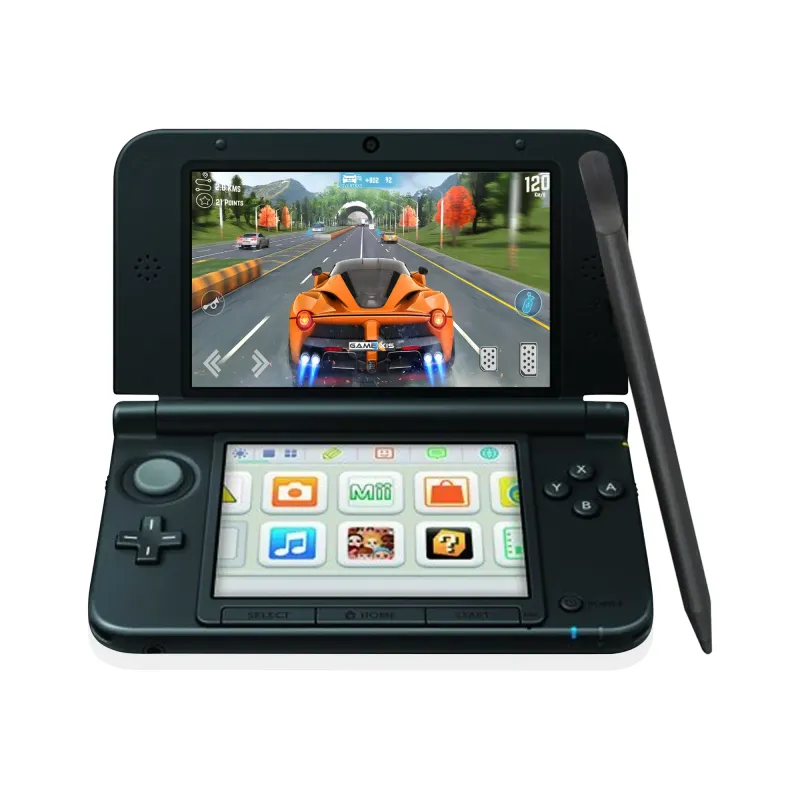
The Nintendo 3DS XL is a fantastic handheld console that provides hours of entertainment with its diverse library of games and unique 3D capabilities. However, maximizing the battery life of your 3DS XL is crucial to enjoying uninterrupted gaming sessions, especially when you’re on the go. In this article, we’ll explore various tips and tricks to help you extend the battery life of your Nintendo 3DS XL, ensuring you get the most out of your gaming experience.
Understanding Battery Life
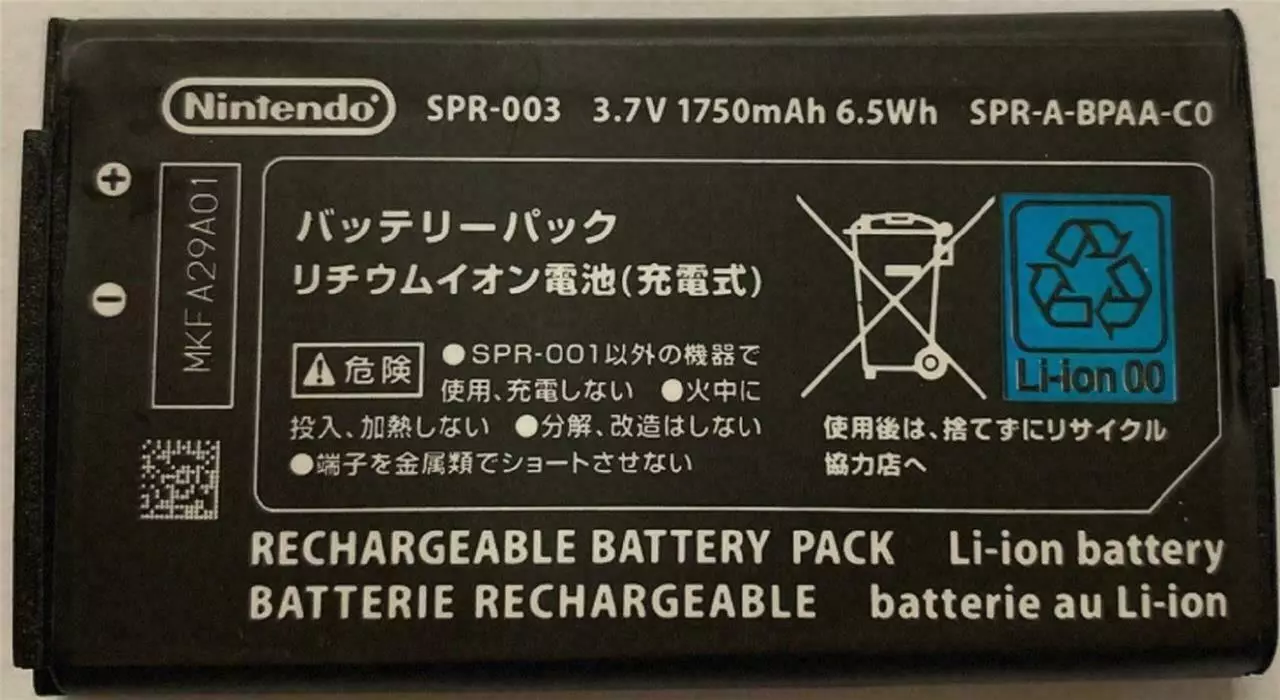
Before diving into specific tips, it’s important to understand the basics of your Nintendo 3DS XL battery. The 3DS XL uses a lithium-ion battery, which is designed to last for several hours of gameplay. However, the actual battery life can vary based on factors such as screen brightness, wireless settings, and the types of games being played.
Also Read- The Ultimate Buying Guide For Nintendo 3DS XL: What To Look For Online
Tips for Maximizing Battery Life
1. Adjust Screen Brightness
The screen is one of the most significant power consumers on the 3DS XL. Reducing the screen brightness can lead to substantial battery savings.
- How to Adjust: Go to the Home Menu, select “System Settings,” then “Brightness Settings.” Lower the brightness to a level that’s comfortable for your eyes but not too high.
- Auto-Brightness: Turn off the auto-brightness feature. This feature adjusts the brightness based on ambient light, which can sometimes result in higher brightness levels than necessary.
2. Enable Power-Saving Mode
The 3DS XL has a built-in power-saving mode designed to extend battery life by optimizing various settings.
- How to Enable: In the “Brightness Settings” menu, toggle the “Power-Saving Mode” to ON. This mode adjusts the screen brightness and color balance to reduce power consumption without significantly affecting the gaming experience.
3. Manage Wireless Settings
Wireless features, such as Wi-Fi and Bluetooth, consume a lot of battery power. Disabling these features when not in use can extend battery life.
- Turn Off Wireless Communication: If you’re playing games that don’t require online connectivity, turn off the wireless communication. You can do this by sliding the wireless switch on the side of the console.
- StreetPass and SpotPass: Disable StreetPass and SpotPass if you’re not using them. These features constantly search for connections, draining the battery. You can turn them off in the “System Settings” under “Internet Settings.”
4. Lower Sound Volume
High volume levels can also drain the battery faster. Reducing the volume can help conserve power.
- Adjust Volume: Use the volume slider on the side of the 3DS XL to lower the sound. If possible, use headphones, which generally require less power than the built-in speakers.
5. Close Unused Applications
Running multiple applications or games in the background can decrease battery life. Ensure that only the necessary apps are open.
- Close Background Apps: Press the Home button to see all open applications. Close any that are not in use by selecting the app and pressing the X button.
6. Use Sleep Mode Wisely
The 3DS XL has a sleep mode that conserves battery when the console is not in use.
- Sleep Mode: Close the lid of the 3DS XL to put it into sleep mode during breaks. This mode uses minimal power while keeping your game paused.
7. Regular Maintenance and Care
Proper maintenance and care can significantly extend the life of your 3DS XL battery.
- Avoid Extreme Temperatures: Keep the console away from extreme temperatures. High heat or cold can degrade the battery faster.
- Regular Charging: Charge the battery regularly, but avoid letting it drain completely before recharging. Lithium-ion batteries last longer with partial discharges.
Additional Tips
1. Use an External Battery Pack
For extended gaming sessions on the go, consider using an external battery pack.
- Portable Chargers: Portable battery packs can provide additional power, allowing you to recharge your 3DS XL when an outlet isn’t available.
2. Upgrade the Battery
If you find that your battery life is consistently short, you might consider upgrading to a higher-capacity battery.
- High-Capacity Batteries: There are third-party high-capacity batteries available that can replace the standard battery, offering longer playtime. Ensure compatibility and reliability by purchasing from reputable sources.
Conclusion
Maximizing the battery life of your Nintendo 3DS XL is essential for enjoying your gaming experience without interruptions. By adjusting screen brightness, enabling power-saving mode, managing wireless settings, lowering the sound volume, and closing unused applications, you can significantly extend your playtime. Additionally, proper maintenance and the use of external battery packs can further enhance battery performance.
By following these tips, you can ensure that your Nintendo 3DS XL stays powered up and ready for your gaming adventures, whether you’re at home or on the move. Happy gaming!



One thought on “How To Maximize Battery Life On Your Nintendo 3DS XL”