Blog
Tips And Tricks To Maximize Battery Life On Your New Nintendo 3DS XL

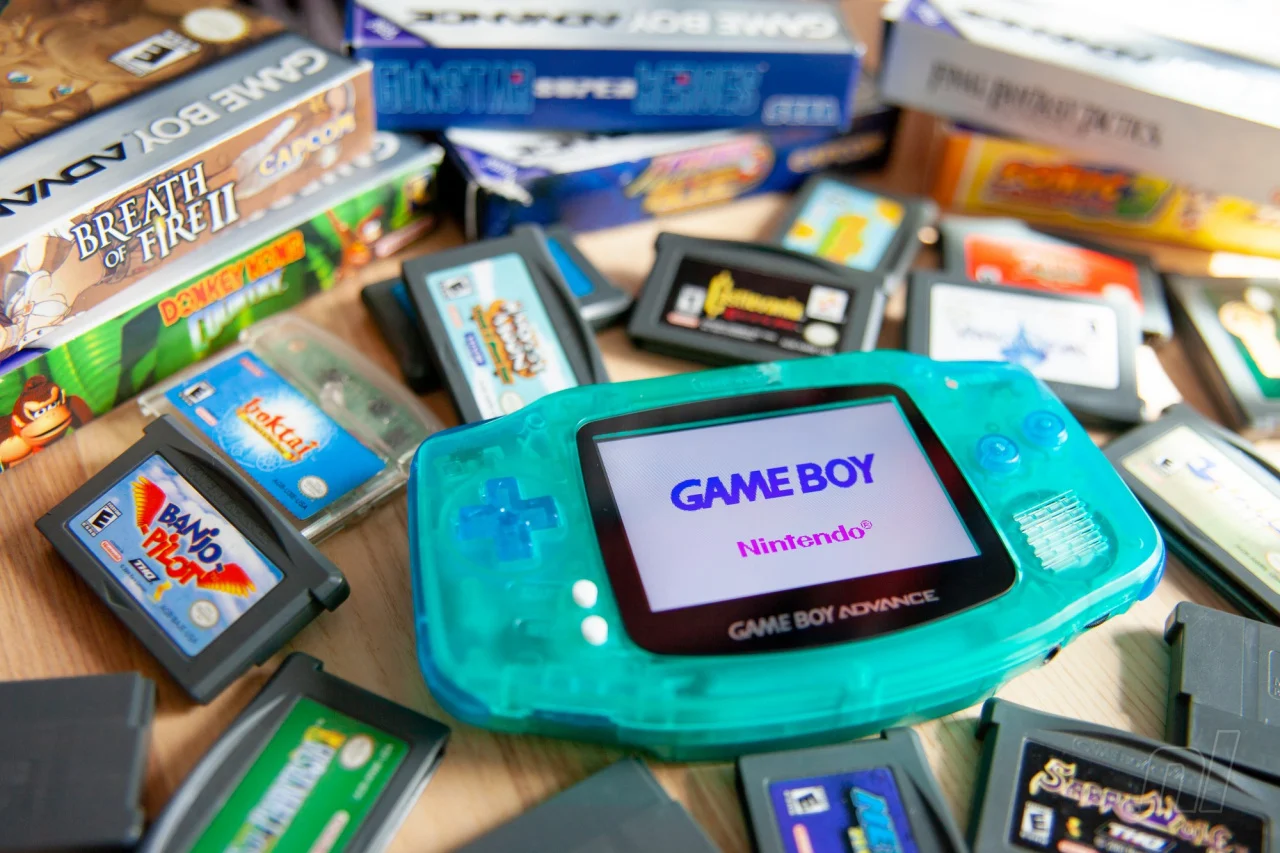
The New Nintendo 3DS XL is a beloved handheld console, known for its diverse library of games and impressive features. However, like all portable devices, its battery life can be a concern for avid gamers. In this article, we’ll explore various tips and tricks to help you maximize the battery life of your New Nintendo 3DS XL, ensuring you get the most out of your gaming sessions.
#1. Adjust the Brightness Settings
One of the most effective ways to extend your 3DS XL’s battery life is by adjusting the brightness of the screen. The brighter the screen, the more power it consumes.
How to Adjust Brightness
- Go to the Home Menu.
- Tap the Sun icon located in the top-left corner.
- Use the slider to reduce the brightness to a comfortable level.
Lowering the brightness can significantly reduce power consumption, especially during extended gaming sessions.
Also Read- Customize And Mod Your Nintendo GameBoy Advance
#2. Enable Power-Saving Mode

The New Nintendo 3DS XL includes a Power-Saving Mode that adjusts the intensity of the backlight based on the content displayed on the screen. This feature can help conserve battery life without compromising your gaming experience.
How to Enable Power-Saving Mode
- Go to the Home Menu.
- Tap the Sun icon in the top-left corner.
- Toggle the Power-Saving Mode switch to “On.”
By enabling this mode, you can extend the battery life of your device while maintaining good visual quality.
Also Read- Buying Refurbished Sony Nintendo Consoles- An Ultimate Guide
#3. Close Unused Applications and Features
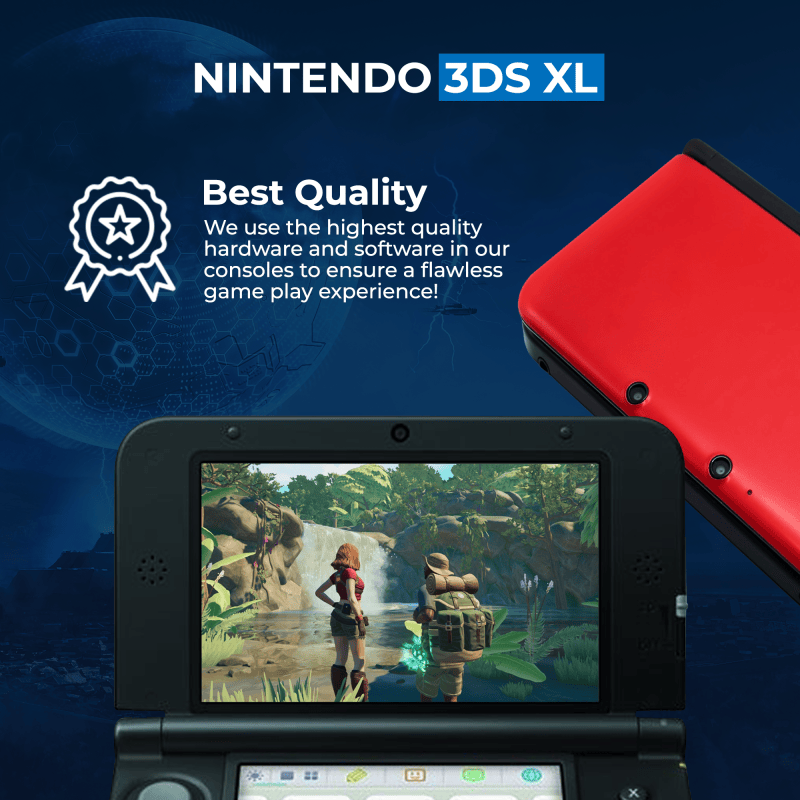
Running multiple applications or features simultaneously can drain your 3DS XL’s battery quickly. Make sure to close any applications you are not using.
How to Close Applications
- Press the Home button to return to the Home Menu.
- Press the “X” button to close the active application.
Additionally, disabling features like Wi-Fi, StreetPass, and SpotPass when not in use can save considerable battery power.
How to Disable Wi-Fi
- Go to the Home Menu.
- Tap the wrench icon to open System Settings.
- Select “Internet Settings” and then “Connection Settings.”
- Turn off the Wi-Fi switch.
Also Read- Why Choose Refurbished Gaming Consoles
#4. Adjust Sound Settings

High volume levels can also contribute to faster battery depletion. Lowering the volume or using headphones can help conserve battery life.
How to Adjust Sound Settings
- Use the volume slider on the side of the console to reduce the volume.
- Alternatively, use headphones, which can also enhance your gaming experience.
Also Read- 6 Tips And Tricks For Nintendo Gameboy Advance SP Gamers
#5. Manage Sleep Mode Effectively
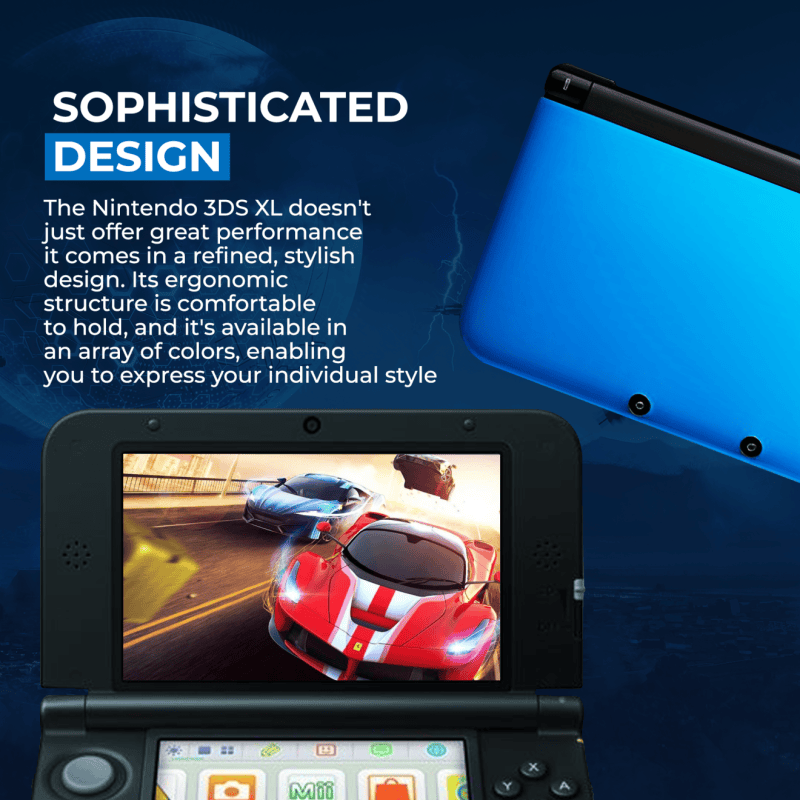
Sleep Mode is a useful feature that allows you to pause your game and save battery life. However, it can still consume power if certain features are active.
Tips for Using Sleep Mode
- Close all applications before entering Sleep Mode.
- Disable wireless communication to save more power.
How to Enter Sleep Mode
- Close the console by folding it shut.
Sleep Mode is particularly handy for conserving battery during short breaks from gaming.
#5. Optimize Game Settings
Some games offer settings that can impact battery life. For instance, reducing the 3D effect can help save power.
How to Adjust 3D Settings
- Use the 3D Depth Slider located on the side of the console to adjust or turn off the 3D effect.
Additionally, some games may have their own brightness and sound settings, which you can adjust to save battery.
Keep Your Battery in Good Health
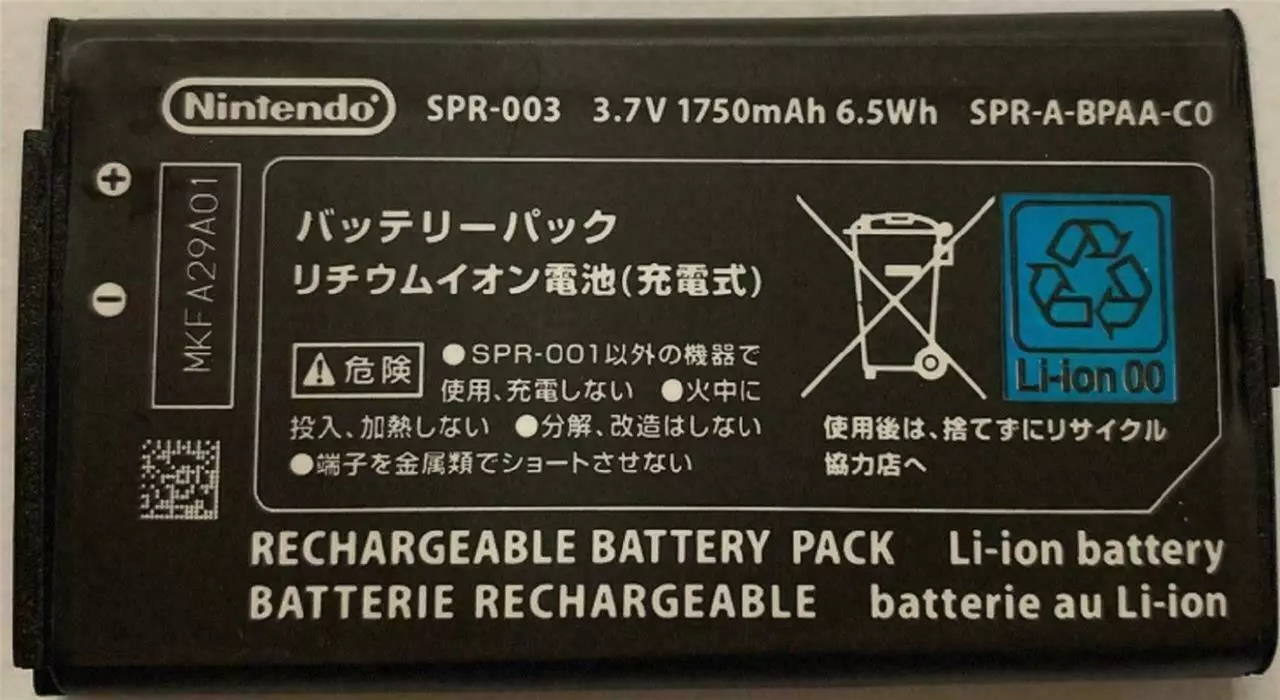
Proper battery maintenance can ensure a longer lifespan and better performance. Here are some tips to keep your 3DS XL’s battery in good health:
Regularly Charge Your Device
Avoid letting the battery fully discharge frequently. Regular charging can help maintain battery health.
Avoid Extreme Temperatures
Keep your 3DS XL away from extreme temperatures, both hot and cold, as they can negatively impact battery performance.
Use Official Chargers
Always use the official Nintendo charger or a certified equivalent to charge your device. Unofficial chargers can damage the battery over time.
#6. Use an External Battery Pack
For those long gaming sessions or when traveling, consider using an external battery pack. This can provide additional power when your 3DS XL’s internal battery runs low.
Choosing the Right External Battery Pack
- Look for a battery pack with a high mAh rating for more extended power.
- Ensure it is compatible with the New Nintendo 3DS XL.
Using an external battery pack can significantly extend your gaming time without the need to find a power outlet.
#7. Update Your System Regularly
Nintendo frequently releases system updates that can improve battery performance and overall system efficiency.
How to Update Your System
- Go to the Home Menu.
- Tap the wrench icon to open System Settings.
- Select “Other Settings” and then “System Update.”
Keeping your system updated ensures you have the latest optimizations and improvements.
Conclusion
Maximizing the battery life of your New Nintendo 3DS XL involves a combination of proper settings management, regular maintenance, and smart usage habits. By adjusting brightness and sound settings, enabling Power-Saving Mode, managing Sleep Mode effectively, and keeping your system updated, you can significantly extend your gaming sessions. Additionally, using an external battery pack can provide extra power when you need it most. Follow these tips and tricks to get the most out of your New Nintendo 3DS XL and enjoy uninterrupted gaming on the go.